Clone Tower Updates
Patch tracking habits, group signals, and where this wiki logs changes for Troll Clone Tower X.
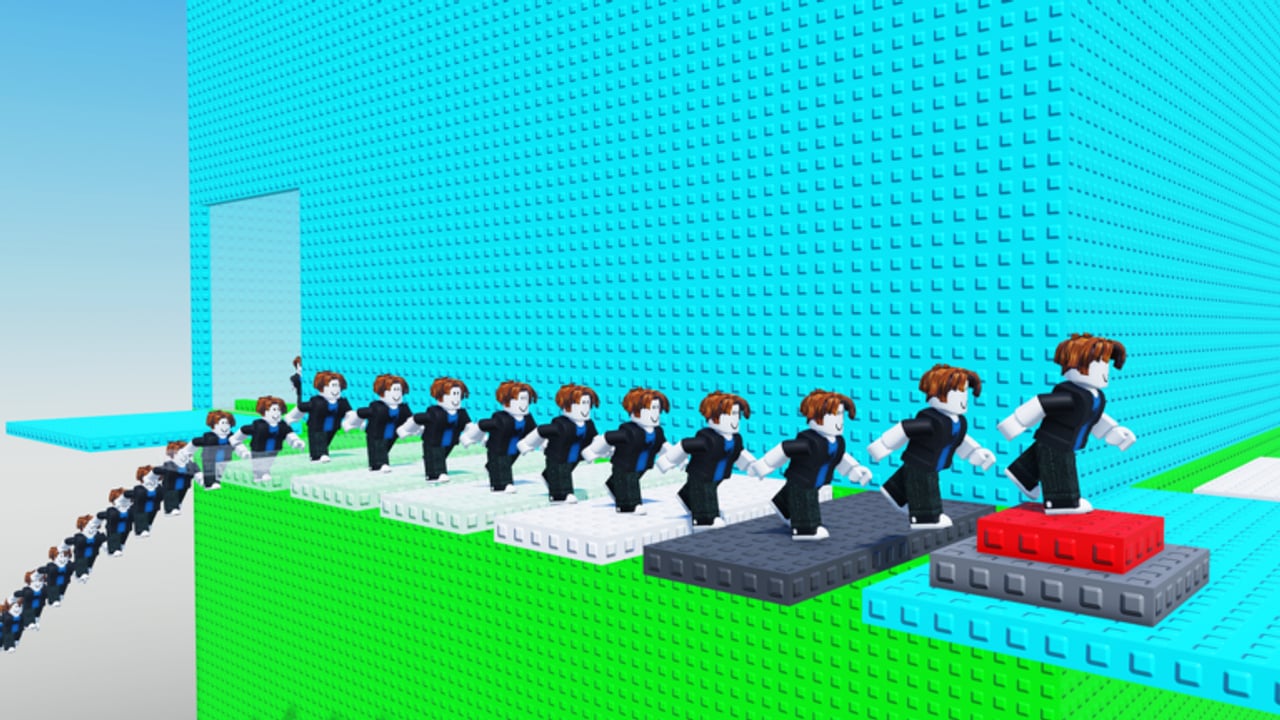
The Updates Hub is your watch post for Clone Tower (Troll Clone Tower X). Okay Games Studio Inc. Cooperation ships the experience on Roblox and tells players to like the game and join the group for updates. This page explains how to follow those signals, what kinds of changes matter for climbers, and how our Changelog fits beside live group posts.
Clone Tower launched on 2025-05-21 as a tower obby / obby and platformer with up to 30 players per server. It has grown past tens of millions of visits with a strong like ratio. Popular systems — clones, slap tools, cash sinks, VIP or admin paths — can shift when the studio patches. Staying current protects your routes and your Robux decisions.
How to track official news
- Join the creator group linked from the Links Hub (Okay Games Studio Inc. Cooperation).
- Like the live place so it stays easy to reopen and so you support the studio’s stated call to action.
- Check group shouts and wall posts before long grind sessions.
- After any notice, launch the experience once and verify lobby UI, tool shops, and clone prompts yourself.
- Skim our Changelog for dated wiki notes that summarize what climbers should re-test.
We do not invent patch notes. If the group is quiet, the honest update is “no new confirmed patch details,” not a fake bullet list.
What usually changes in games like this
Tower slap experiences often tweak:
- Slap tool strength, knockback, or shop prices
- Clone caps, spawn rules, or paid upgrade ladders
- Lobby layout and tutorial prompts
- Badge tooling around WELCOME / WINNER style goals
- Performance fixes when clone armies stress servers
- Promo experiments (see the Codes Hub — none verified publicly for this place right now)
When any of those shift, revisit Clone Mechanics, Beat Trolls, and Reach the Top because advice about spacing or spending can age overnight.
Recent status mindset
Clone Tower remains a released Roblox experience with cross-device saves for progress and purchases. Community videos continue to showcase climb chaos, clone stacking, and slap fights. Treat creator montages as entertainment and confirmation that systems still exist — not as literal patch notes. If a video is months old, verify tools in your own server before copying a purchase order.
Average sessions can be short; patches that alter early-game feel matter as much as endgame VIP paths. After an update, spend ten minutes on lower-third drills from Controls before attempting a serious WINNER run.
Wiki workflow when something changes
- Confirm the change in the live place or an official group post.
- Note the date and which systems moved (movement, clones, slaps, shop, UI).
- Update the Changelog entry style notes on this wiki’s source content.
- Adjust linked guides so beginners are not following dead shop paths.
- Keep the Codes Hub honest if a promo appears or expires.
Player checklist after every noticed patch
- Reconfirm you are on placeId 140293690452727.
- Test jump feel and camera once.
- Spawn a clone on a safe ledge and see if follow behavior feels the same.
- Check slap tool handling if you own one.
- Look for new lobby buttons that might hide codes or shops.
- Decide whether your previous summit route still has the same rest spots.
Why updates belong beside guides
Guides without an updates habit rot. A perfect mid-tower rest ledge can become a slap camp after a tool buff. A clone upgrade that was optional can become mandatory if crowding meta changes. Use this hub as the meta layer above the Guides Hub. New players should still begin with Getting Started, then return here whenever the group posts.
Release and platform facts we keep stable
- Release status: released (2025-05-21)
- Platforms: Roblox (desktop, mobile, tablet with shared progress)
- Co-op style: online multiplayer servers (max 30)
- Creator: Okay Games Studio Inc. Cooperation
- Goal fantasy: climb, avoid trolls, become CLONE king
- Badges players discuss: WELCOME, WINNER
If a future patch changes max players or badge names, the changelog will say so explicitly rather than silently editing history.
Related destinations
- Changelog — dated tracking page
- Codes Hub — promo status
- Links Hub — official place and group
- Guides Hub — systems and climb tutorials
Join the group, like the place, and treat silence as silence. When Okay Games Studio Inc. Cooperation speaks, verify in-game, then climb with fresh information instead of last month’s assumptions.
Frequently Asked Questions
Quick answers to the most common Clone Tower questions.
Where does Clone Tower announce updates?
Primarily through the creator group and the experience itself. The Roblox description tells players to like the game and join the group for updates.
Does this wiki invent patch notes?
No. We summarize confirmed group or live-game changes on the Changelog and keep quiet when nothing verified is available.
What should I re-test after a patch?
Jump feel, clone spawn behavior, slap tool handling, lobby UI, and your usual mid-tower rest spots.
Are there update rewards or codes?
Not by default. Check the Codes Hub — there are currently no verified public promo codes for this place.
Is Clone Tower still updated?
Treat it as a live released experience and verify the Roblox place’s updated timestamp plus group posts before each long grind.