Controls for Clone Tower
Keyboard, mouse, and touch setups that keep climbs stable when clones and slaps fill the screen.
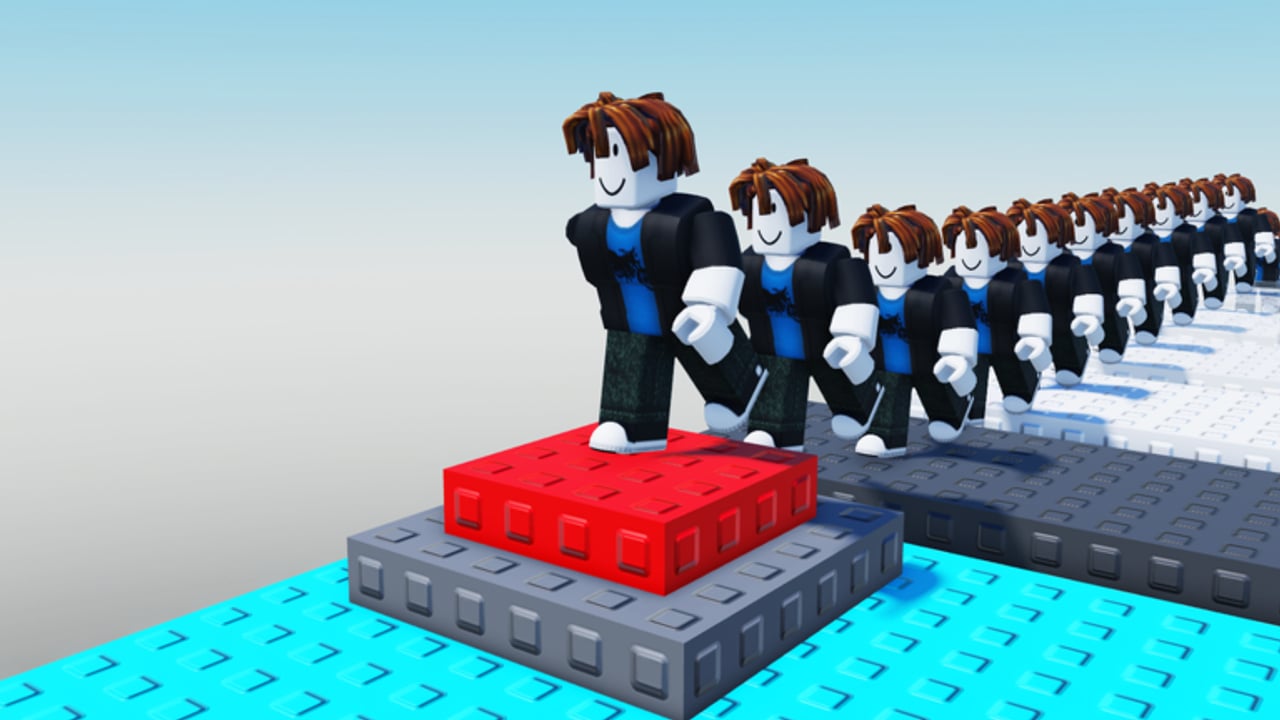
Clone Tower is playable on desktop, mobile, and tablet with progress shared across those devices. That flexibility only helps if your inputs feel trustworthy when a slap tool appears on a one-stud ledge. This guide covers movement, jumping, camera habits, clone triggers, and slap aiming so you can translate the rest of the wiki into real clears.
After you stabilize controls, continue with Getting Started for session planning, Clone Mechanics for spawn strategy, Beat Trolls for knockback survival, and Reach the Top for summit routing. The Guides Hub lists everything in order.
Universal goals on every device
Regardless of input method, you want four outcomes:
- Predictable jump height and distance.
- A camera that shows the next platform and nearby threats.
- A clone spawn action you can hit without opening the wrong menu.
- Slap swings that you choose — not accidental taps while trying to jump.
If any of those four feels random, stop climbing for ranked-feeling attempts and drill here for ten minutes.
PC controls
Movement and jump
Use the standard Roblox move keys (WASD) with Space to jump. On tower obbies, short hop timing matters more than sprint fantasy. Approach edges with controlled forward input instead of slamming into them at full speed. If you use shift lock, practice both locked and unlocked camera styles; some ledges are easier when you can freely look down at the landing.
Camera
Mouse look should stay smooth enough that you can peek behind for slap users without spinning 180 every time. Zoom out slightly on busy mid-tower shelves so clones and rivals stay in frame. Zoom in on precision jumps where depth is hard to read. Avoid extreme first-person unless you already know the section cold — clones and swinging tools appear late in tight FOV.
Clone button and tools
Bind awareness beats memorizing one universal key for every Roblox obby. In Clone Tower, identify the on-screen or hotbar control that spawns clones before you leave the lobby. Practice spawning while standing still, then while walking, then immediately after a landing. The goal is muscle memory that does not steal your jump finger.
When you equip a slap tool, separate the attack input from jump in your head. Many void deaths happen because a player tries to hop and swing in the same panicked window. On PC, deliberate clicks beat mash patterns.
Mobile and tablet controls
Thumbs and jump pads
Touch jump buttons sit in a different place than keyboard Space. Before a serious climb, stand in a safe lobby area and tap jump twenty times to feel latency and button size. If your device supports custom touch layouts or you simply hold the phone differently than usual, fix grip first. Climbing with a slippery case at mid-tower is a self-own.
Camera on touch
Drag look carefully. Over-flicking is the mobile killer: you jump while the camera still swings, misread depth, and fall. Practice small camera nudges between jumps rather than constant spinning. On tablet, use the extra screen space to keep both the next platform and a trailing rival visible.
Clone and slap on touch
Confirm where the clone control sits relative to jump and move sticks. Accidental clone spam is common when the button crowds your jump thumb. If the UI allows, give yourself mental separation: left hand moves, right hand jumps, and clone taps happen only during standing resets. Slap tools need the same discipline — aim with a short look adjustment, then tap attack, then return fingers to movement.
Cross-save habits
Because progress and purchases save across desktop, mobile, and tablet, you might unlock clone upgrades on PC and then feel clumsy on phone. After any major unlock, spend five minutes on the new device recalibrating spawn timing and camera zoom. Do not assume PC muscle memory ports perfectly to touch.
Settings checklist before a WINNER attempt
- Graphics detail low enough that platforms stay readable when clones pack a ledge.
- Volume balanced so you can still hear yourself think; slap chaos is loud enough without max UI blare.
- Network stability checked — high ping turns fair jumps into void lotteries.
- Comfortable brightness so dark sections do not hide edges.
Practice routines tied to controls
Jump ladder: Climb only the lower third focusing on clean landings, no clones, no slap fights. Camera peek drill: Every third jump, glance backward for threats, then reacquire the next platform before leaving the ledge. Clone tap drill: On a wide platform, alternate move-jump-spawn without mis-tapping slap. Tool swap drill: Equip and unequip slap tools until the hotbar path feels boring.
These routines support the bigger plans on Reach the Top and the defensive habits on Beat Trolls.
Common control failures
- Holding forward through every landing so you slide off.
- Jumping during a camera flick.
- Spawning clones with the same thumb motion you use for jump on mobile.
- Swinging slap tools as a nervous tick near edges.
- Switching devices mid-session without a recalibration climb.
Accessibility and comfort tips
If long sessions strain your hands, shorten attempts and use the shared-save system to split practice across devices. Take breaks when clone-heavy servers tank your frame rate — input delay from overheating devices feels identical to bad balance. Comfort is part of skill.
Where controls sit in the wiki
Controls are the foundation layer under every other guide. If a strategy tip fails in-game, ask whether the failure was decision-making or input noise. Often it is input noise. Fix that here, then return to Clone Mechanics or the Guides Hub. Official play links remain on the Links Hub.
Spend one focused session on this page’s drills before blaming the tower. Clean inputs turn Clone Tower from slap lottery into a readable climb you can actually finish.
Frequently Asked Questions
Quick answers to the most common Clone Tower questions.
Does Clone Tower support mobile and tablet?
Yes. The experience supports desktop, mobile, and tablet, and progress plus purchases save across those devices for the same account.
Why do I keep falling right after jumping on mobile?
Usually camera flick plus forward hold. Nudge the camera first, confirm the landing, then jump without dragging look mid-air.
How do I spawn clones without missing a jump?
Practice spawn taps while standing on wide ledges until the control is separate from your jump input. Avoid spawning during the exact frame you leave a platform.
Should I use shift lock on PC?
Use whichever camera mode lets you see landings and threats. Practice both; some sections favor free look, others favor locked strafing.
What should I fix first if everything feels clumsy?
Lower visual clutter if needed, recalibrate jump timing in the lower third, then drill clone and slap inputs separately before contested climbs.